
Short answer
Windows is the only current PC host route, and it is phone-dependent
Samsung's official FAQ says DeX can be installed on PCs running Windows 10 and above, while Linux and Chrome OS are not supported for DeX for PC. DeX is built into compatible Galaxy software rather than downloaded as an Android APK. macOS has no current DeX client. A compatible phone can still run DeX directly on a monitor or TV, so the computer operating system is not always part of the DeX session.
Samsung DeX platform facts
| Primary search intent | samsung dex platforms |
|---|---|
| Windows host | Windows 10 and later can run the legacy DeX for PC installer on compatible phones |
| Galaxy phone or tablet | DeX is integrated into supported Samsung software; do not install a random APK |
| macOS | No current Samsung DeX for Mac download or supported desktop client |
| Linux and Chrome OS | Not supported as DeX for PC host platforms |
| Direct display | A compatible Galaxy device can output DeX to a monitor or TV without a computer host |
| Official fact check | Samsung DeX FAQ checked October 23, 2026; platform status can change |
Samsung DeX platforms explained
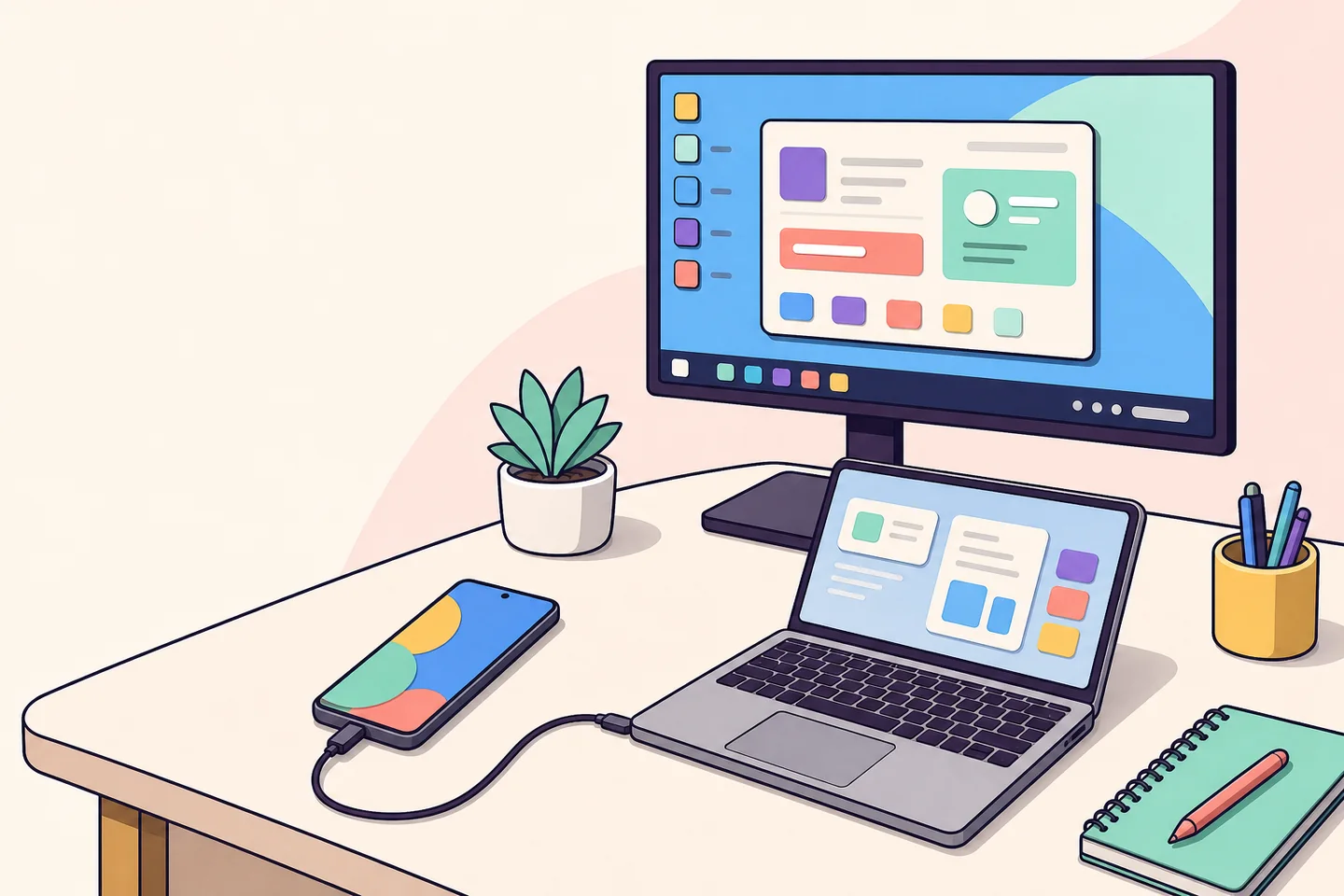
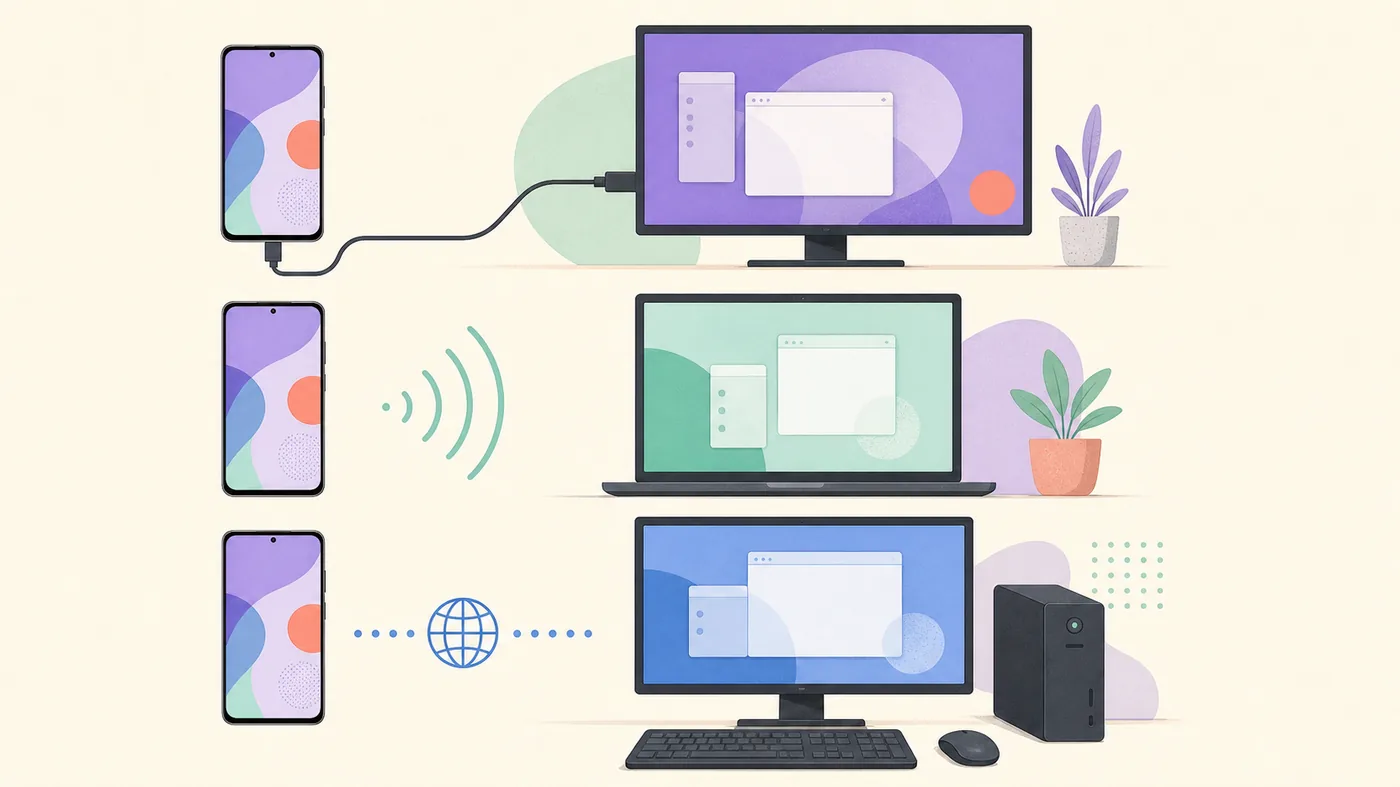
Samsung DeX platforms can mean a host computer, a display target, or the Galaxy device that runs the desktop. Windows DeX for PC places the phone workspace in a Windows window; direct-display DeX sends it to a monitor or TV; Wireless DeX sends it to a compatible receiver. The Galaxy device remains the source in every mode.
This Samsung DeX platforms guide prevents unsafe downloads. An old Windows executable or renamed APK cannot turn Mac or Linux into an official DeX host, and a laptop HDMI output usually cannot receive the phone's video. Use the matrix first, then open the linked platform guide for hardware and One UI details.
Windows PC
The legacy DeX for PC app can run on Windows 10+ when the phone still supports PC mode.
Galaxy device
DeX is built into supported Samsung software; an APK cannot add missing hardware or policy support.
Mac or Linux
No current Samsung desktop client exists. Use direct display DeX or a focused alternative.
Windows: the legacy DeX for PC platform
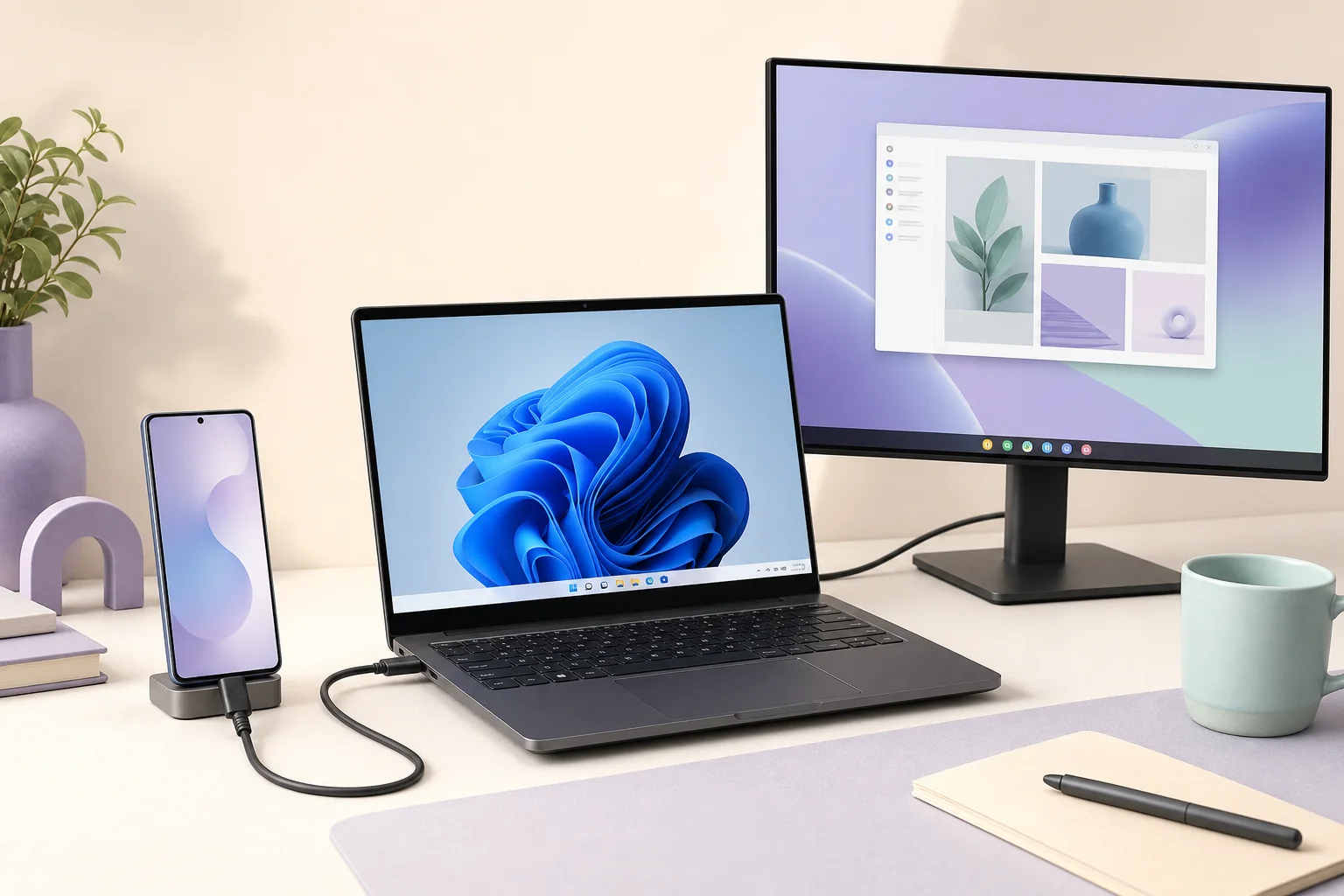
For Samsung DeX platforms, Samsung's FAQ names Windows 10 and above as the DeX for PC host range. That describes the computer side only: the Galaxy model and its One UI or Android version decide whether a PC session can open.
On an eligible phone, the app shows a resizable DeX window beside normal Windows programs. Use a data cable, unlock the phone, and approve the prompt. Newer models released with or updated to Android 15 and One UI 7+ may not support DeX for PC, so an older installer is not a bypass.
- Confirm the Galaxy model and One UI version before installing.
- Use a data-capable USB-C cable and direct port, then approve the phone prompt.
- If the phone is outside the PC boundary, compare direct-display DeX or Link to Windows.
Android and Galaxy: DeX is built in, not a separate APK
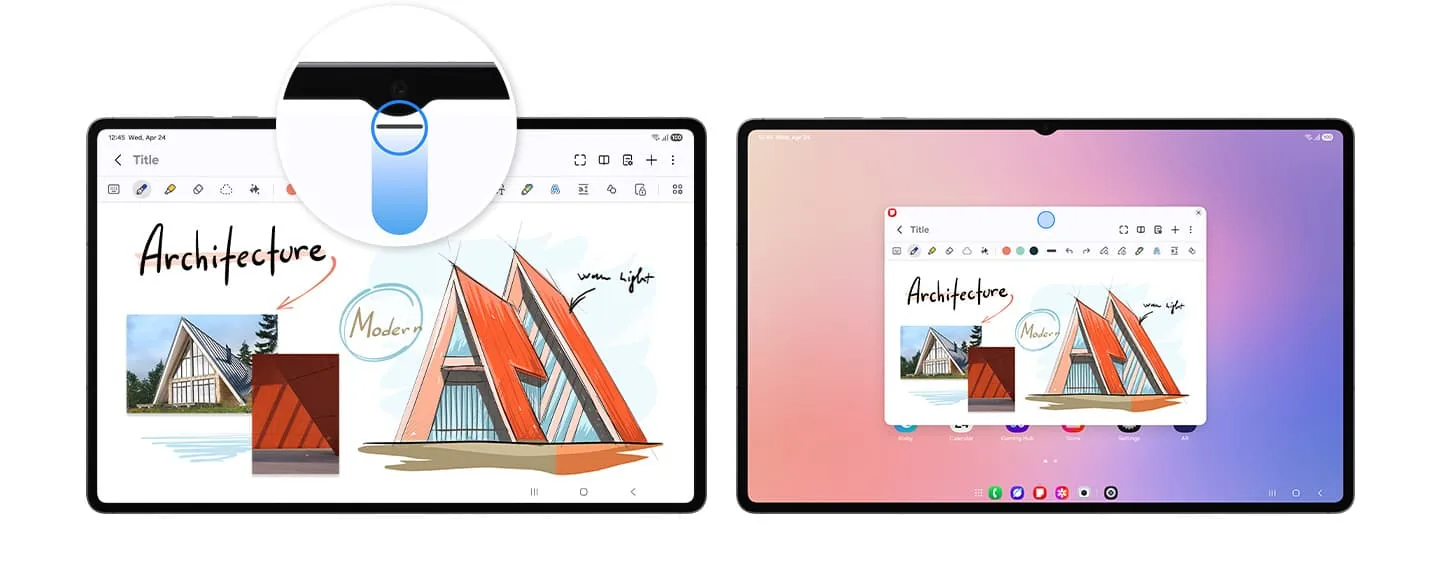
On a supported Galaxy phone or tablet, Samsung DeX is part of the device software. Start it from Quick settings, Settings, a USB-C display, or a supported wireless receiver. Android therefore has no Samsung DeX APK that you need to find on a mirror site.
Check the mode, not just the brand: DeX for PC, wired monitor, Wireless DeX, or tablet desktop. Support is model-specific. Keep the official model and One UI version, and reject packages that promise to unlock DeX on unsupported hardware.
- Read the model-specific list; every Galaxy device does not share every mode.
- Use Quick settings or Settings; do not sideload a claimed DeX APK.
- For display or wireless mode, verify the adapter, input, power, and receiver.
Mac and Linux: what is unavailable and what still works
Samsung no longer provides a current DeX for Mac download. Old installs are unsupported, and the Windows .exe is not a macOS replacement. For a large DeX desktop, connect the Galaxy device directly to a compatible monitor or TV.
Linux and Chrome OS are excluded from DeX for PC. Linux hardware can still be part of a display setup, but the phone sends video to an HDMI display or compatible receiver; Linux is not running a Samsung host app. scrcpy can mirror Android over USB or TCP/IP, but it is not DeX.
Mac
No current client; an old install is unsupported and the Windows file is not a substitute.
Linux or Chrome OS
No DeX for PC host, but a compatible monitor can still receive the phone's DeX output.
Alternatives
Use scrcpy for Android control, KDE Connect or LocalSend for files, or Link to Windows on supported Windows PCs.
Choose a Samsung DeX platform by the job
Start with the output you need. A large-screen desktop usually points to direct USB-C or HDMI. A phone-powered desktop inside Windows points to the legacy PC app after the model and One UI check. Notifications, calls, photos, and selected apps may fit Link to Windows better.
Wireless DeX avoids a cable but depends on receiver discovery and network conditions. A cable is easier to diagnose. Use this sequence to keep the download, device, and connection decisions separate.
- 1
Name the output
Choose a Windows window, monitor, TV, wireless display, or selected PC features.
- 2
Check the phone
Record the model and One UI version and verify the exact DeX mode.
- 3
Use the official route
Install the Windows app only when eligible; otherwise connect directly or choose a focused alternative.
Safe Samsung DeX platform downloads
Samsung's FAQ links the Windows installer from its Download Center and names Windows 10+. This Samsung DeX platforms check treats a portable archive, cracked executable, driver bundle, or Android APK as no evidence of platform support.
Verify the Samsung domain and file name, keep security controls enabled, and recheck the official support page before an install or device upgrade. This page records the FAQ boundary checked October 23, 2026 and does not invent a numeric installer version.
- Prefer Samsung's Download Center or support link over mirrors.
- Do not describe a Windows .exe as an Android, Mac, or Linux client.
- Never use an old installer to bypass a phone-side support boundary.
- Keep the source date beside any download CTA.
Samsung, Galaxy, and DeX are trademarks of their respective owners. SamsungDex.wiki is an independent guide and does not host or modify Samsung software.
Samsung DeX platforms at a glance
Use this Samsung DeX platforms matrix with the desired output. A computer can be nearby without being the DeX host.
| Platform or route | Current position | What to do | Main boundary |
|---|---|---|---|
| Windows 10/11 PC | Legacy DeX for PC host | Check model and One UI, then use official Windows guidance | Android 15 or One UI 7+ phones may be outside the PC mode |
| Galaxy phone or tablet | DeX in Samsung software | Start from Quick settings, Settings, cable, or wireless display | Support varies by model and mode; APKs cannot add it |
| External monitor or TV | Direct-display DeX | Use compatible USB-C, HDMI, hub, or wireless receiver | Needs video output, input, power, and supported hardware |
| macOS | No current client | Use direct display DeX or a focused integration route | Old installs unsupported; Windows .exe is not a Mac app |
| Linux or Chrome OS | No DeX for PC host | Use direct display, compatible receiver, or scrcpy | Third-party tools are not Samsung DeX |
Samsung DeX platforms FAQ
Which platforms support Samsung DeX for PC?
Samsung's FAQ says DeX can be installed on PCs running Windows 10 and above. Linux and Chrome OS are not supported as DeX for PC hosts. The connected Galaxy model and One UI version still decide whether the PC session is available.
Do I need a Samsung DeX APK on Android?
No. DeX is integrated into compatible Galaxy software. Use the phone's Quick settings or Settings and check the model-specific support list. An APK from a mirror cannot add missing DeX hardware or policy support.
Can I download Samsung DeX for Mac?
Samsung does not provide a current DeX for Mac download. An old installation may run on some systems but is unsupported. Use direct monitor or TV DeX, or choose a separate phone-integration workflow.
Can I install Samsung DeX on Linux or Ubuntu?
No supported Samsung DeX for PC Linux client is available. You can connect a compatible Galaxy device directly to a monitor, test a compatible wireless receiver, or use scrcpy for Android mirroring. scrcpy is not DeX.
Why does Samsung DeX work on a monitor but not on my PC?
Monitor DeX and DeX for PC are separate modes. A phone may support direct video output while its model or One UI version no longer supports the Windows PC application. Check the mode-specific list before reinstalling Windows software.
Is Link to Windows the same as Samsung DeX?
No. Link to Windows can provide notifications, messages, calls, files, and selected app access, but it does not recreate the full DeX desktop. Choose it when phone integration matters more than a phone-powered desktop workspace.
How do I choose the right Samsung DeX platform?
Start with the desired result: Windows window, large monitor, wireless display, or selected phone features on a PC. Then check the Galaxy model and One UI version, select an official route, and test one cable, port, or receiver at a time.
Official source and freshness note
Samsung's DeX FAQ was checked on October 23, 2026. It supplies the Windows 10+, Linux/Chrome OS, device-family, and One UI 7 platform boundaries used in this guide. The official download entry was unavailable through the current fetch path, so no numeric installer version is claimed.