
Quick answer
There is no official Samsung DeX for Linux app
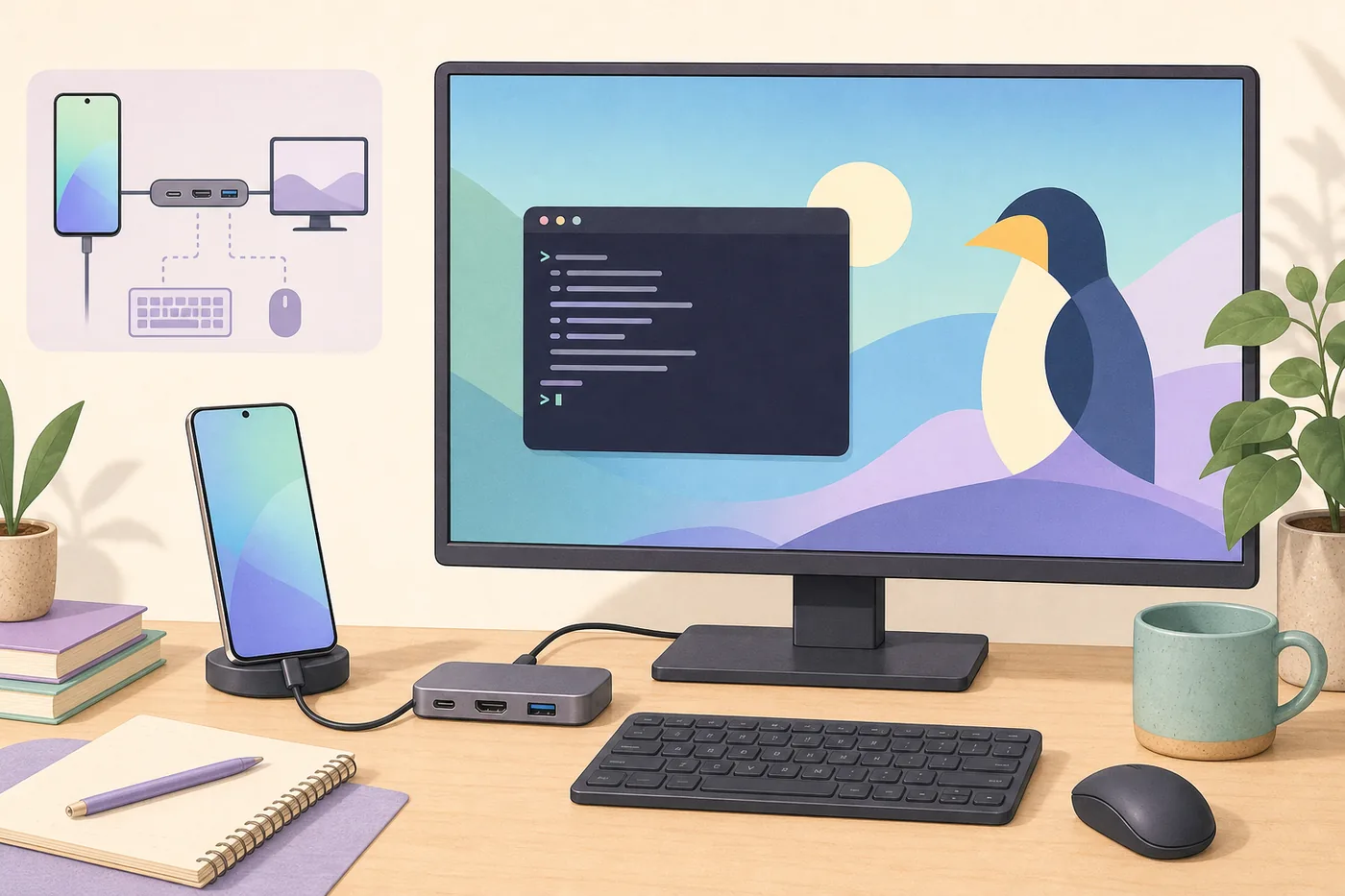
Use direct monitor DeX for the most reliable desktop, treat Fedora or Ubuntu wireless receiving as experimental, and choose KDE Connect, LocalSend, scrcpy, SSH, or remote desktop for specific tasks. Do not download a claimed DeX Linux installer or APK.
Linux compatibility at a glance
| Official Linux client | No current Samsung DeX for Linux desktop app |
|---|---|
| Linux on DeX | Discontinued beta, not a current Ubuntu environment |
| Reliable route | Connect the Galaxy device directly to a compatible monitor |
| Wireless route | Experimental Miracast receiver on compatible Linux hardware |
| Alternatives | KDE Connect, LocalSend, scrcpy, SSH, or remote desktop |
Does Samsung DeX work on Linux?
Not as a native Linux PC application. Samsung describes DeX on a connected monitor, TV, or compatible Galaxy tablet, but it does not publish a supported Fedora, Ubuntu, Debian, Arch, or other Linux installer. DeX itself still runs on the Galaxy device. When the phone connects directly to a monitor, the phone produces the desktop and Linux is not involved.
A Linux laptop matters only when you want it to receive the picture, exchange files, control Android, or provide remote access. This distinction prevents users from installing an unrelated package when the practical solution is a direct display connection or a focused integration tool.
Three practical routes for Linux users
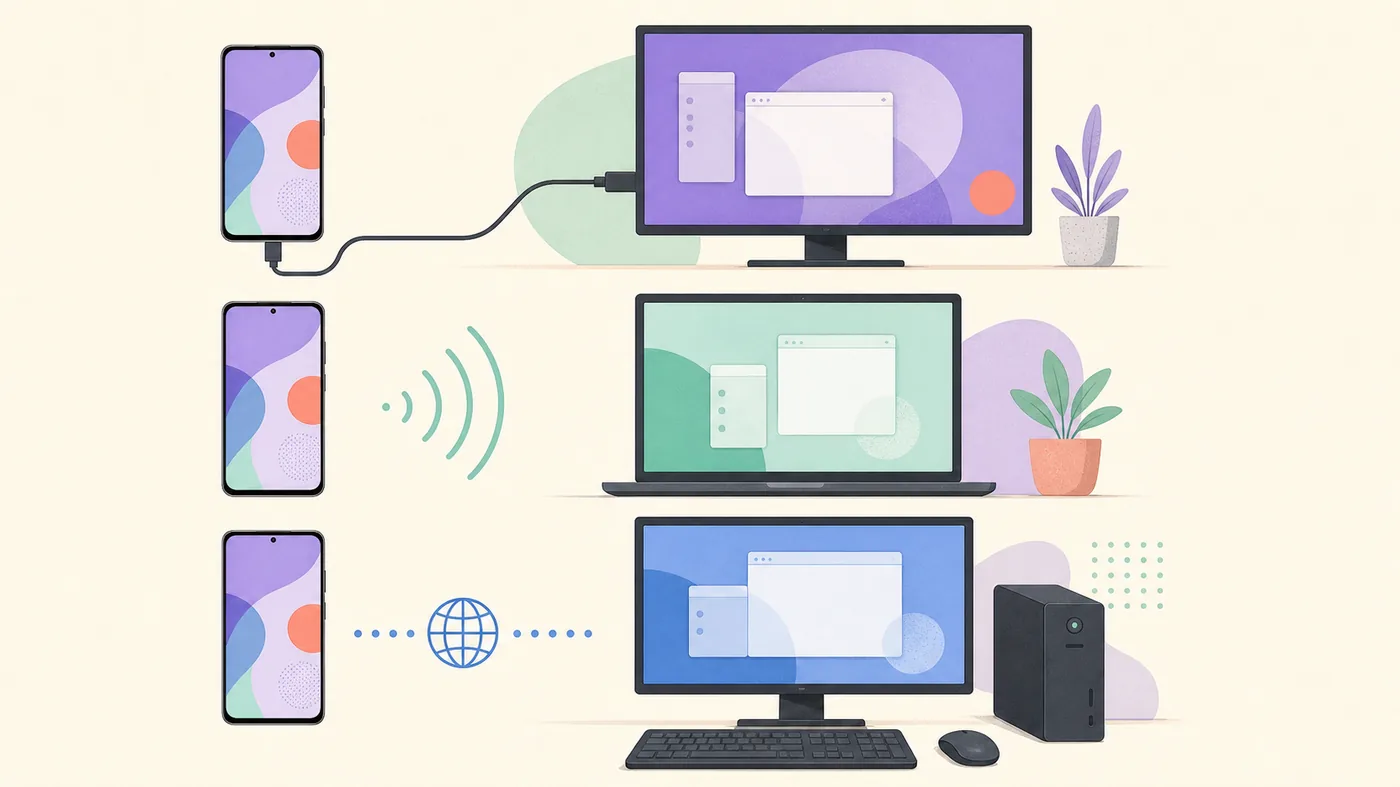
For a full phone-powered desktop, connect the Galaxy device directly to a monitor through a video-capable USB-C cable or powered hub. For cable-free display on a Linux computer, test a Miracast receiver only if the Wi-Fi adapter and desktop stack support receiving, not merely transmitting.
For messages, files, clipboard sharing, notifications, screen control, or access to a Linux workstation, use a purpose-built integration tool. These alternatives do not recreate the DeX desktop inside a Linux window, but they are easier to maintain and clear about what they provide.
Wireless DeX on Fedora or Ubuntu
Search interest around wireless DeX on Fedora reflects a real need, but this is not a Samsung-supported Linux workflow. Miracast receiving varies by Wi-Fi chipset, driver, compositor, PipeWire configuration, distribution packages, and firewall rules.
Test without VPN or hotspot interference and expect latency and compression. Do not rely on this route for competitive gaming, color-critical work, or an important presentation. A direct wired display remains the safer fallback.
What happened to Linux on DeX?
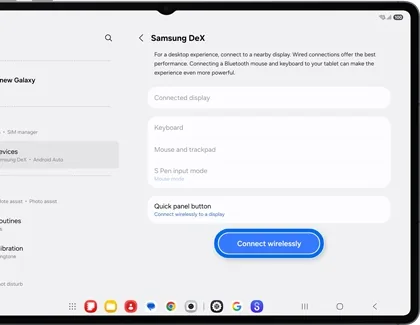
Linux on DeX was a Samsung beta that ran a packaged Ubuntu environment on selected Galaxy devices. It was different from DeX for PC and different from connecting DeX to a Linux computer. Samsung ended the beta years ago, so old tutorials and downloadable images describe an unsupported historical product.
Archived packages may depend on old kernels, models, and security policies. For a real Linux environment today, use a maintained remote host, browser IDE, Termux for suitable command-line tasks, or a separate Linux computer.
Best alternatives by task
KDE Connect handles notifications, clipboard, remote input, and file exchange. LocalSend is useful for local-network transfers. scrcpy provides responsive Android screen control over USB or ADB, but it mirrors Android rather than launching DeX. Syncthing or cloud storage can maintain files.
For development, keep compilers, containers, and projects on Linux and access them through SSH, a web IDE, or remote desktop. For office and media work on a large display, direct DeX is usually simpler.
Avoid fake Linux downloads and misleading APKs
DeX is integrated into supported Galaxy system software. A random APK cannot add missing video-output hardware or create an official Linux PC client. Packages marketed as Samsung DeX for Ubuntu, Fedora, or Linux may be renamed Windows installers, unrelated Android packages, abandoned experiments, or malware.
Verify instructions against current Samsung support and obtain open-source alternatives from distribution repositories or signed project releases. Never disable security controls to run an unverified DeX package.
Choose the right Linux workflow
| Goal | Recommended method | What it provides | Main limitation |
|---|---|---|---|
| Full DeX desktop | Phone directly to monitor | Real DeX workspace | Needs supported phone, display, cable or hub |
| Show DeX on Linux laptop | Miracast receiver experiment | Wireless display when supported | Hardware and receiver support varies |
| Control Android from Linux | scrcpy | Responsive screen control | Android mirroring, not DeX |
| Files and notifications | KDE Connect or LocalSend | Focused integration | No DeX desktop window |
| Use Linux apps from DeX | SSH, web IDE, remote desktop | Access to a real Linux host | Requires another Linux system |
Samsung DeX Linux FAQ
Can I install Samsung DeX on Ubuntu?
No official Ubuntu client is available. Use direct monitor DeX or a task-specific Linux tool.
Can Fedora receive Wireless DeX?
Sometimes, but only when the hardware, driver, desktop stack, and Miracast receiver support receiving.
Is Linux on DeX still available?
No. It was a discontinued beta and is not a current supported Ubuntu environment.
Can scrcpy open the DeX desktop on Linux?
No. scrcpy controls or mirrors Android; it is useful but is not DeX for Linux.
Where should I download Samsung DeX for Linux?
Nowhere. Samsung does not publish a current Linux installer, so avoid third-party packages claiming to be official.
Official and project sources
Support status checked July 23, 2026. Current official documentation should override archived tutorials.