
Short answer
There is no current official Samsung DeX download for Mac
Do not download a mirrored DMG that claims to be a current DeX for Mac release. An old installation may still open on some systems, but it is unsupported and receives no updates. For a supported DeX desktop, connect a compatible Galaxy device directly to a monitor or TV instead of using the Mac as the host computer.
Samsung DeX for Mac status
| Official Mac download | Unavailable |
|---|---|
| Support ended | January 2022 |
| Updates and customer support | Ended |
| Existing installation | May still run, but unsupported |
| Current Windows installer | Windows only; not a Mac substitute |
| Official status checked | July 16, 2026 |
Why the Samsung DeX for Mac download is gone
Samsung’s support article states that support for Samsung DeX for Mac OS ended in January 2022. It also says users can no longer download the Mac client and will not receive customer support or updates. That is a product-status change, not a temporary broken link.
Search results can still surface old software directories and archived articles. Those pages may target Samsung DeX download Mac or DeX for MacBook, but they do not restore an official, maintained macOS release. The active Samsung Windows installer is an EXE and cannot be installed on macOS.
What if DeX for Mac is already installed?
Samsung says an existing Mac installation may still be used, but that does not make it supported. There are no promised compatibility fixes for newer macOS releases, no current customer support path, and no official download to reinstall it after a reset or computer replacement.
Treat an old installation as legacy software. Do not disable macOS security controls merely to keep it running, and do not assume a copied installer is authentic. If the app stops launching or recognizing the phone, move to a supported connection method rather than searching for modified packages.
Supported ways to use DeX when you own a Mac
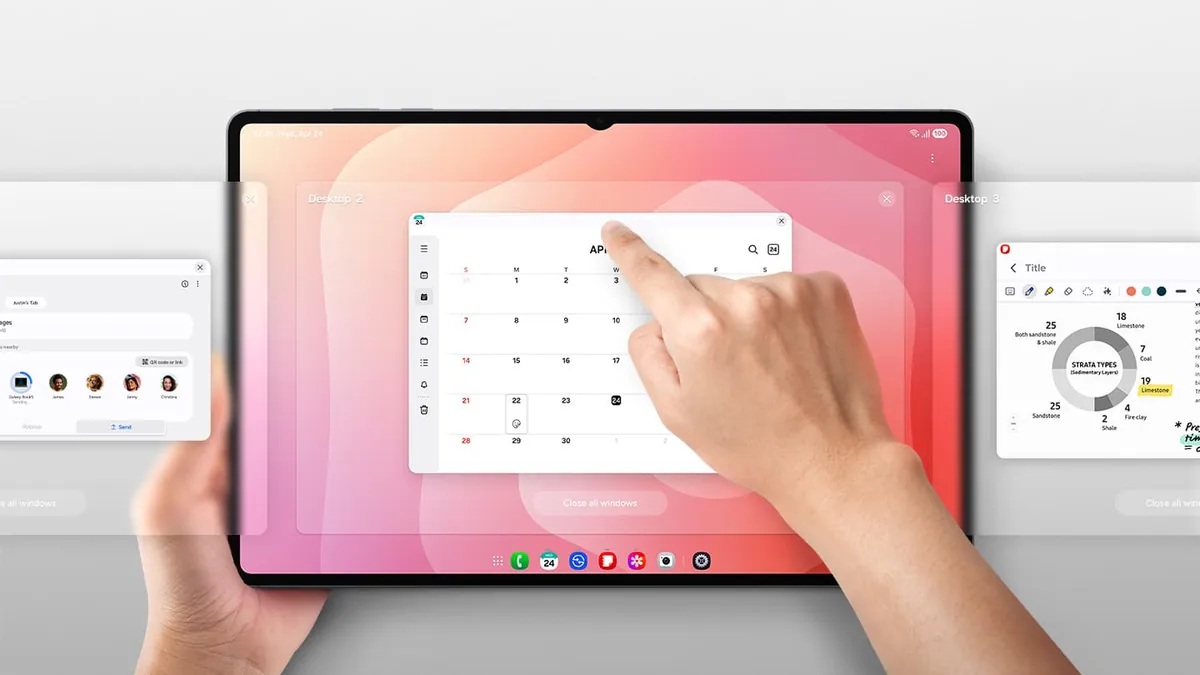
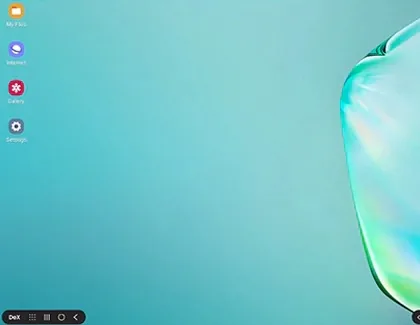
A Mac cannot replace the discontinued DeX for Mac host app, but owning a Mac does not prevent you from using DeX elsewhere. On a compatible Galaxy phone or tablet, DeX can run directly on an external monitor or TV through video-capable USB-C, an HDMI adapter, or a supported wireless display.
This direct-display setup is independent of macOS. The Galaxy device creates the desktop workspace, while a keyboard and mouse can connect to the phone, tablet, monitor, or hub. Check the supported-device guide first because DeX modes vary by model and software version.
Need the DeX desktop
Connect the Galaxy device directly to a monitor or TV. The Mac is not part of the display path.
Need phone files on a Mac
Use a trusted cloud service, browser-based app, or another documented transfer method.
Need calls and messages
Prefer official web options; Link to Windows is designed for Windows, not macOS.
Need phone mirroring on the Mac
There is no current Samsung DeX for Mac replacement. Evaluate third-party tools cautiously.
Can you connect Samsung DeX to a MacBook?
Connecting a Galaxy phone to a MacBook with USB does not turn the MacBook display into a supported DeX monitor. The discontinued Mac client was the software layer that handled that experience. Without it, a USB cable alone does not create a DeX window in macOS.
If your goal is a larger DeX workspace, use an external monitor with USB-C or HDMI input. If your goal is file access, choose a file-transfer workflow instead. Separating those goals prevents wasted time on drivers, old DMG files, or Windows-only installers.
- MacBook USB-C ports are not general-purpose video inputs.
- SamsungDeXSetupWin.exe is not compatible with macOS.
- AirPlay support on a Mac does not automatically make it a Miracast receiver.
- A monitor-based DeX session can work without any Mac software.
Avoid unofficial DeX for Mac installers
A third-party page may preserve an old DMG, add its own installer wrapper, or label an archived build as the latest version. Samsung no longer provides a current Mac package against which those claims can be verified. That makes version, signature, and modification claims difficult to trust.
Use Samsung’s support notice as the source of truth. This site does not host a Mac installer and does not claim that an unofficial mirror is safe.
No verified official Mac download exists. Do not treat the current Windows EXE as a Mac version or bypass macOS security warnings for an unknown DMG.
Choose the right replacement for your goal
The best alternative depends on what you expected the old Mac client to do.
| Your goal | Use the Mac? | Recommended path | Official DeX download needed? |
|---|---|---|---|
| Full DeX desktop | No | Galaxy device to monitor or TV | No |
| Use a tablet desktop | No | Run DeX on a supported Galaxy tablet | No |
| Move documents or photos | Sometimes | Trusted cloud, web app, or documented transfer | No |
| Run DeX inside macOS | Yes | No current official replacement | Unavailable |
Samsung DeX for Mac FAQ
Can I still download Samsung DeX for Mac?
No. Samsung says the Mac OS client can no longer be downloaded and support ended in January 2022.
Does Samsung DeX work on Mac?
An old installation may still run, but it is unsupported and receives no updates. There is no current official Mac host app.
Is there a Samsung DeX version for MacBook?
There is no current official MacBook version. MacBook USB-C ports also do not normally accept video input from a phone.
How do I connect Samsung DeX to a Mac?
You cannot create a supported DeX window in macOS with the current product. Connect the Galaxy device directly to an external monitor or TV.
Can I install the Windows DeX file on macOS?
No. SamsungDeXSetupWin.exe is a Windows executable and is not a Mac installer.
Are archived DeX for Mac downloads safe?
Samsung no longer offers a current Mac package, so an archive’s origin and modifications can be difficult to verify. Avoid unknown mirrors.
Official sources
Mac status and current DeX options were checked July 16, 2026.